/game setup
Set your rules
Build a 50- or 100-tile board from your challenges or a template, then preview it before opening the lobby.
Turn your community's challenges into a 50- or 100-tile race in Discord. Players send proof, moderators approve it, and each approval earns a roll.
The install link is unavailable. You can still prepare your event with the setup guide. Read the setup guide.
Everything stays where your community already meets. You choose the rules, what counts as proof and how the event moves forward.
/game setup
Build a 50- or 100-tile board from your challenges or a template, then preview it before opening the lobby.
/evidence submit
Players join before you start, then complete their current tile's challenge. Choose image evidence, text or both for private moderator review.
MODERATOR APPROVED
Your moderators decide what counts. Each approval grants one roll and keeps the event fair.
/roll
The player advances, every effect resolves and the shared board updates for your whole community.
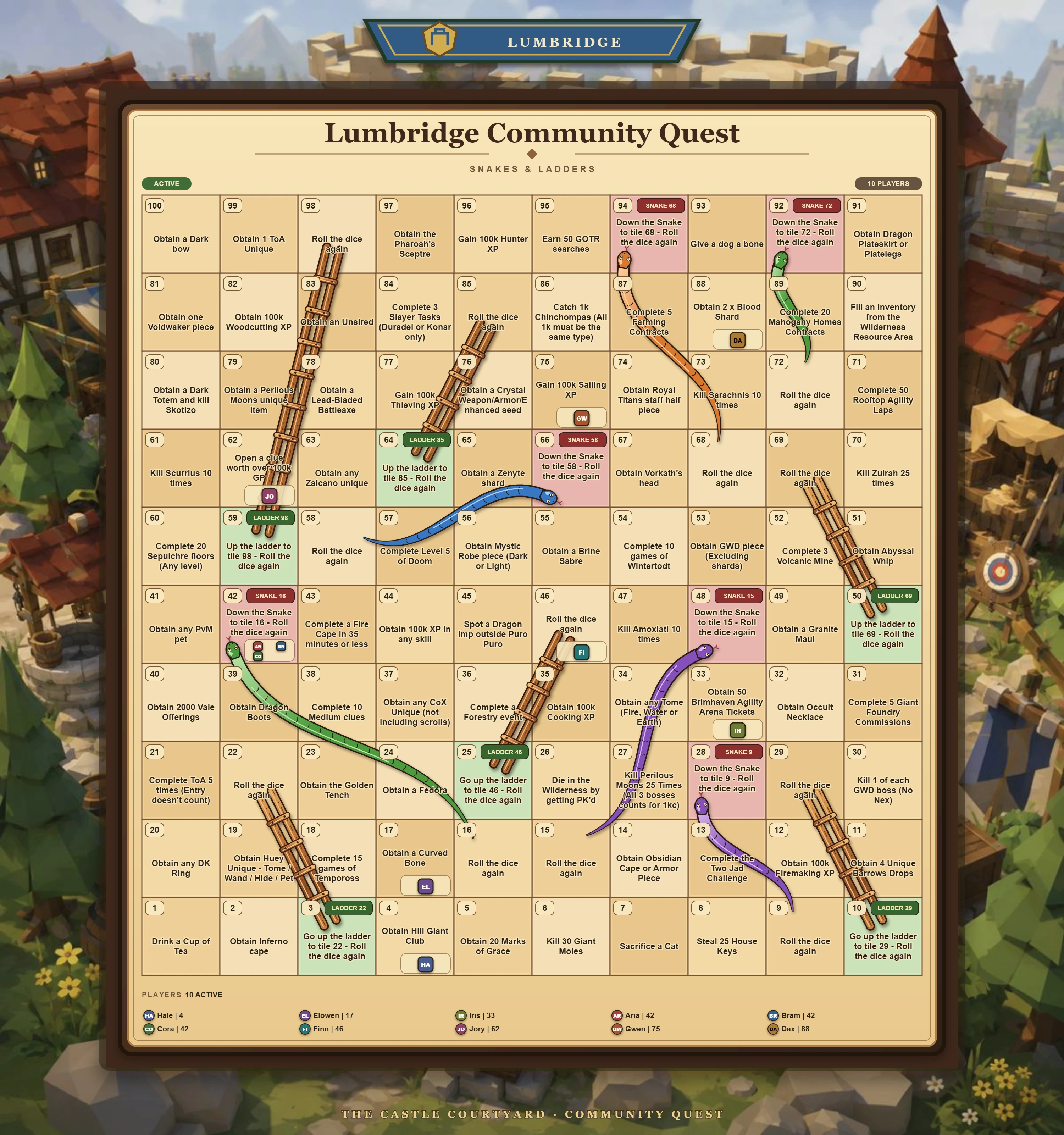
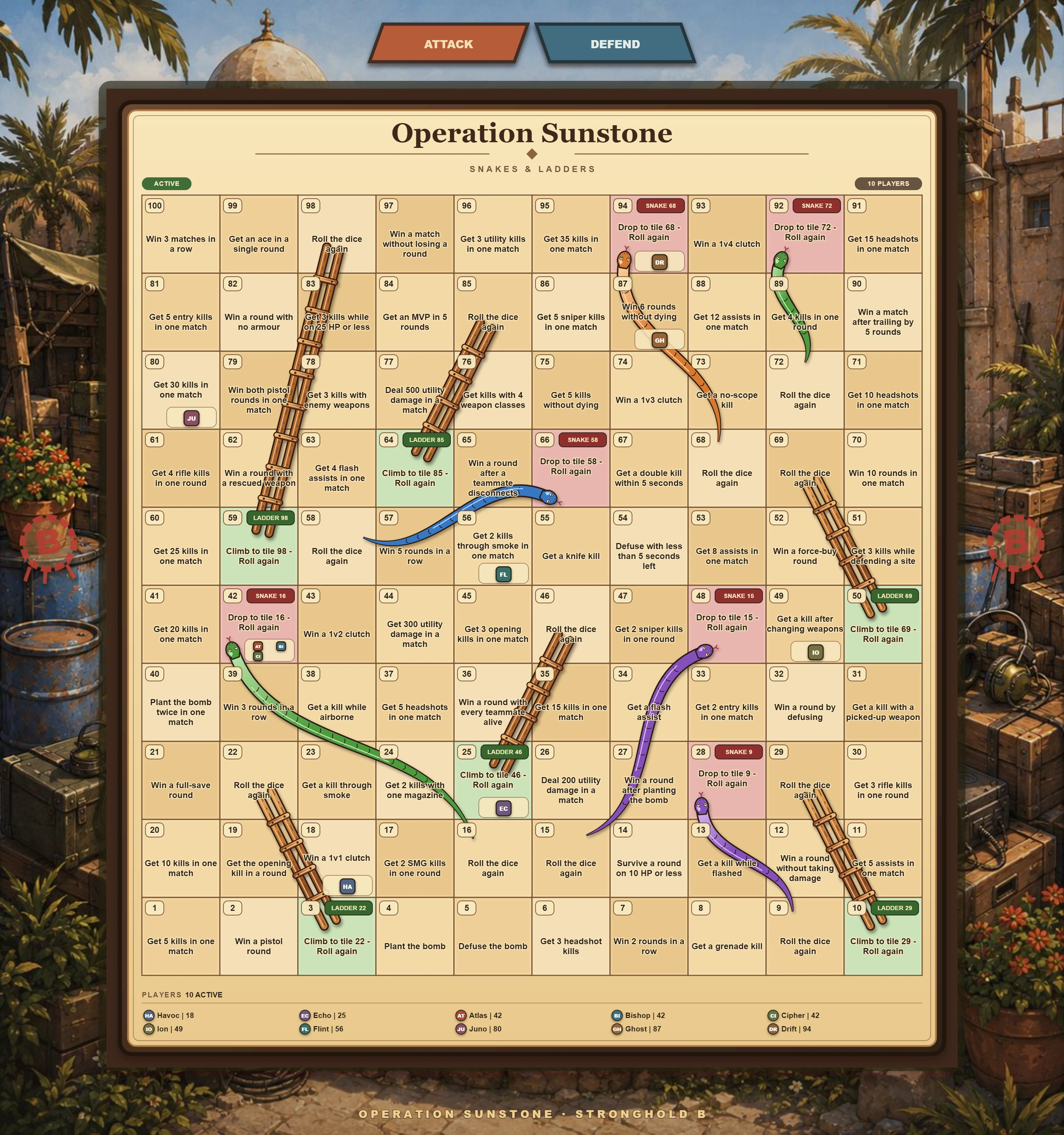
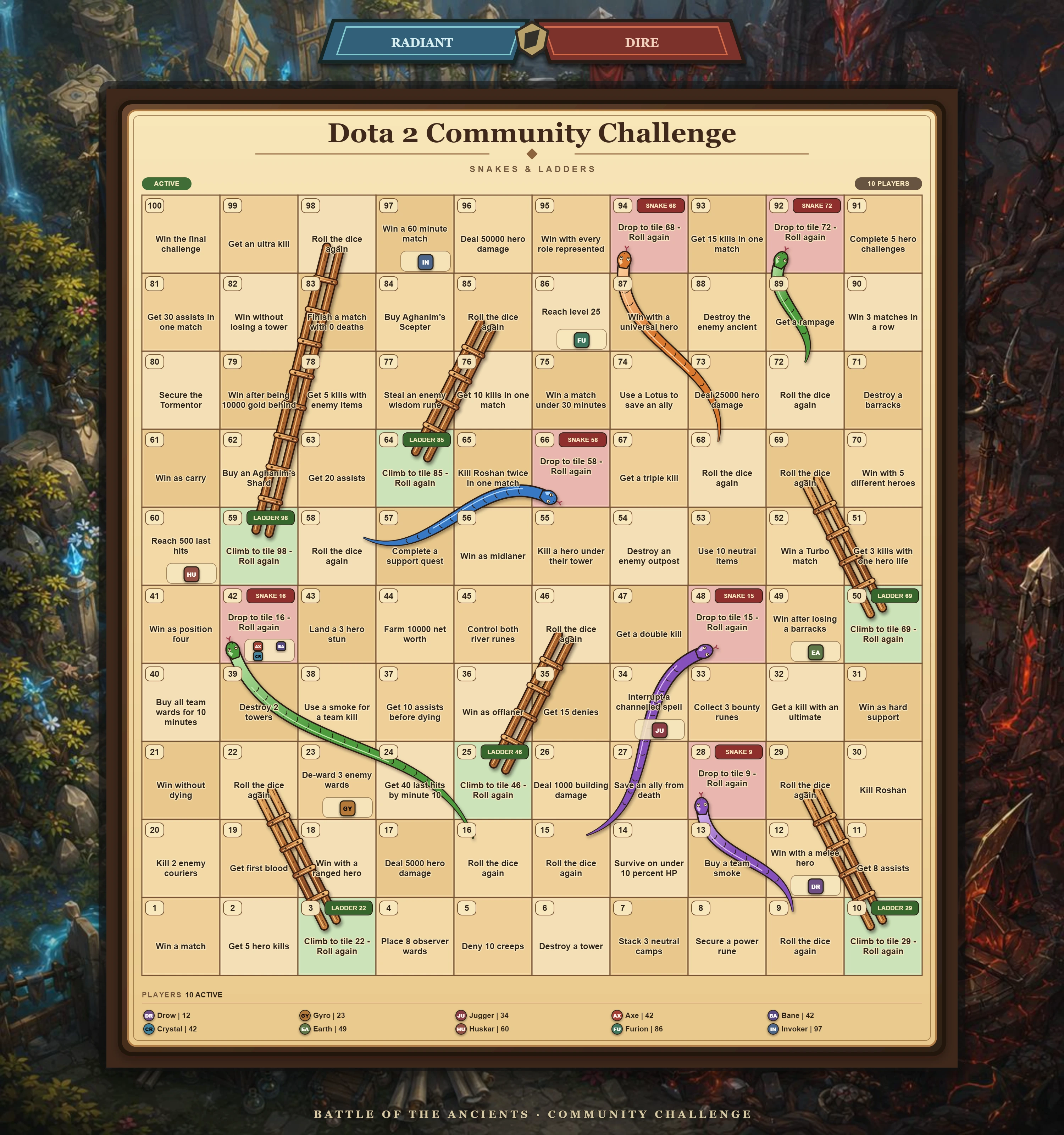
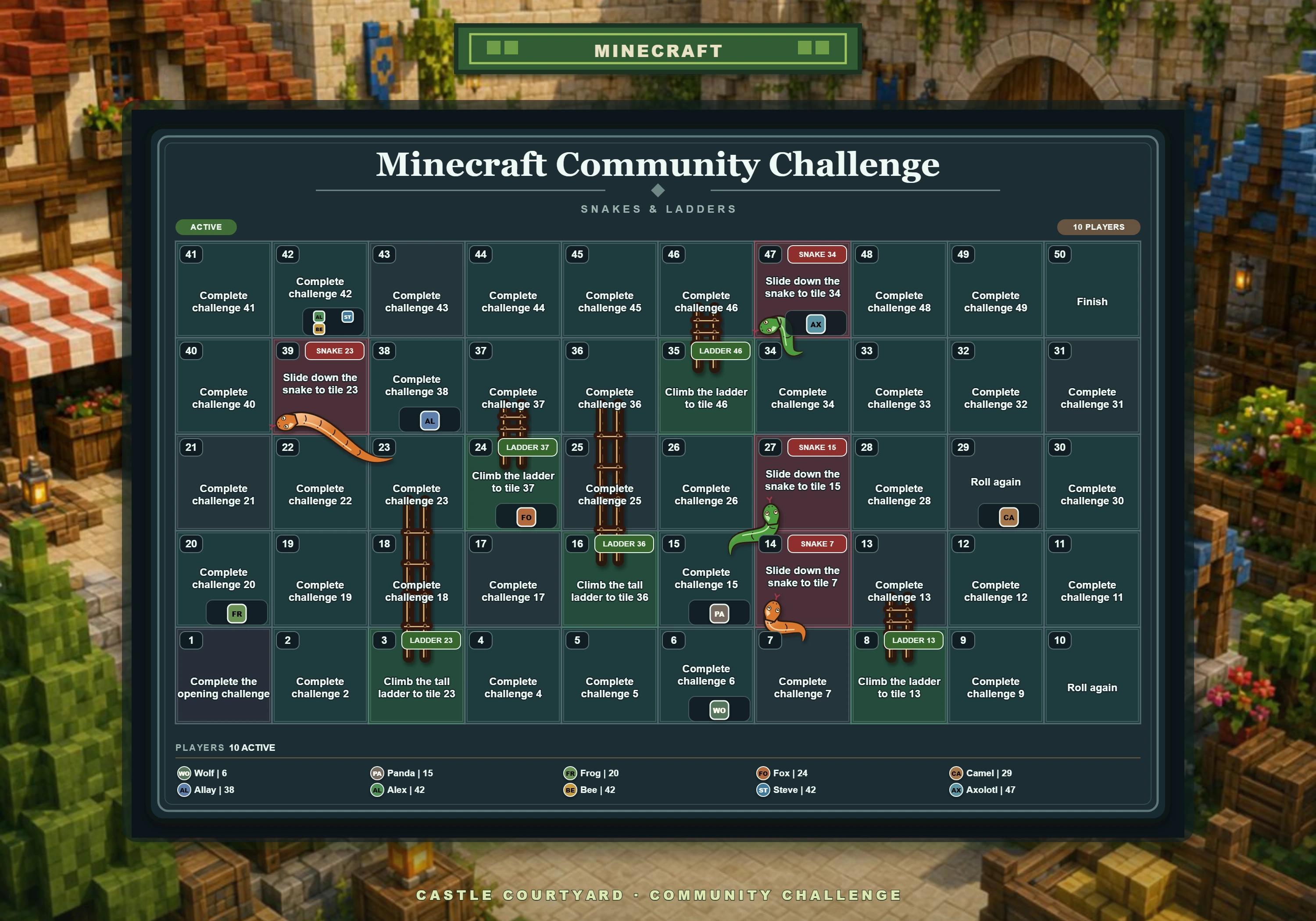
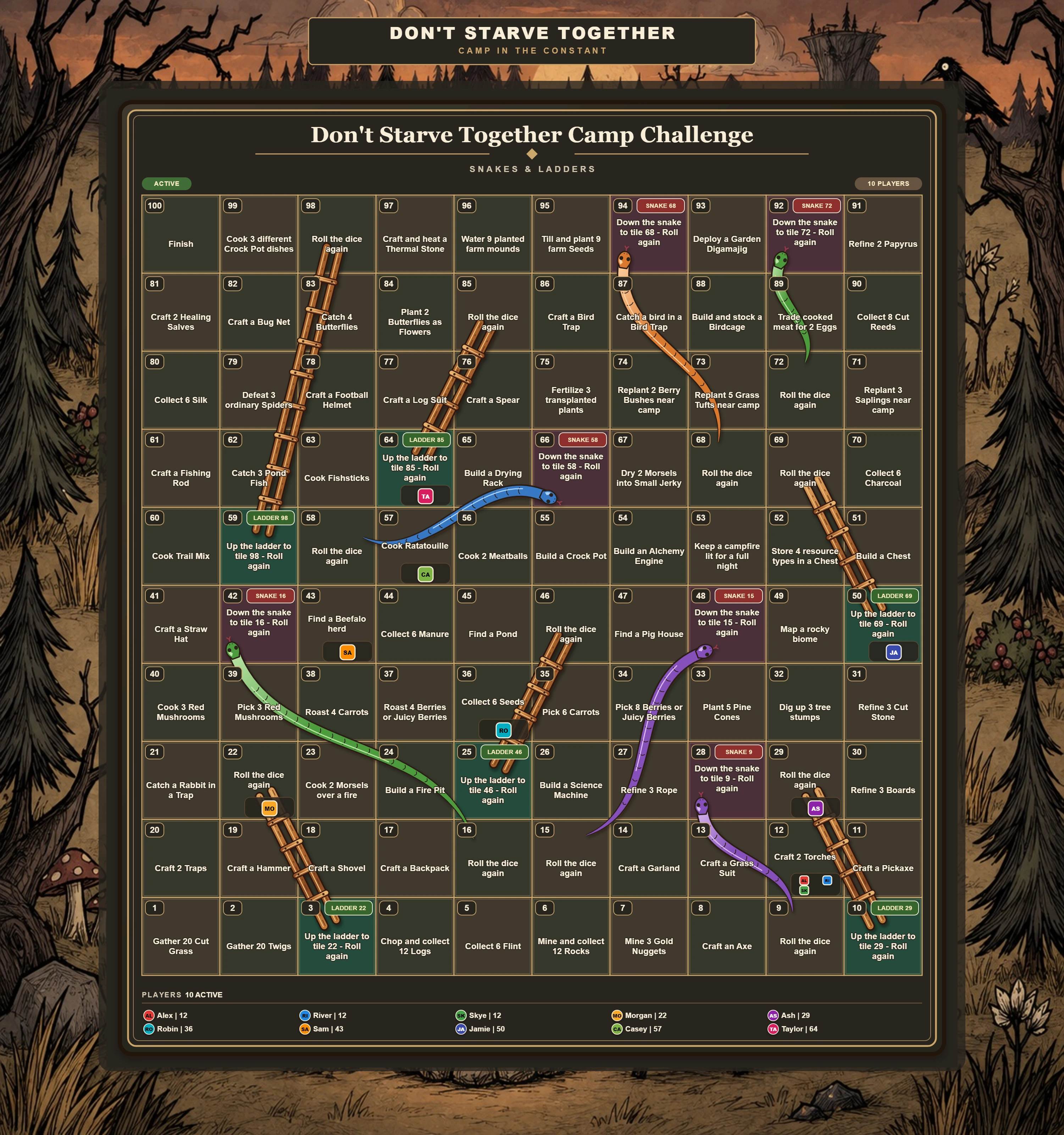
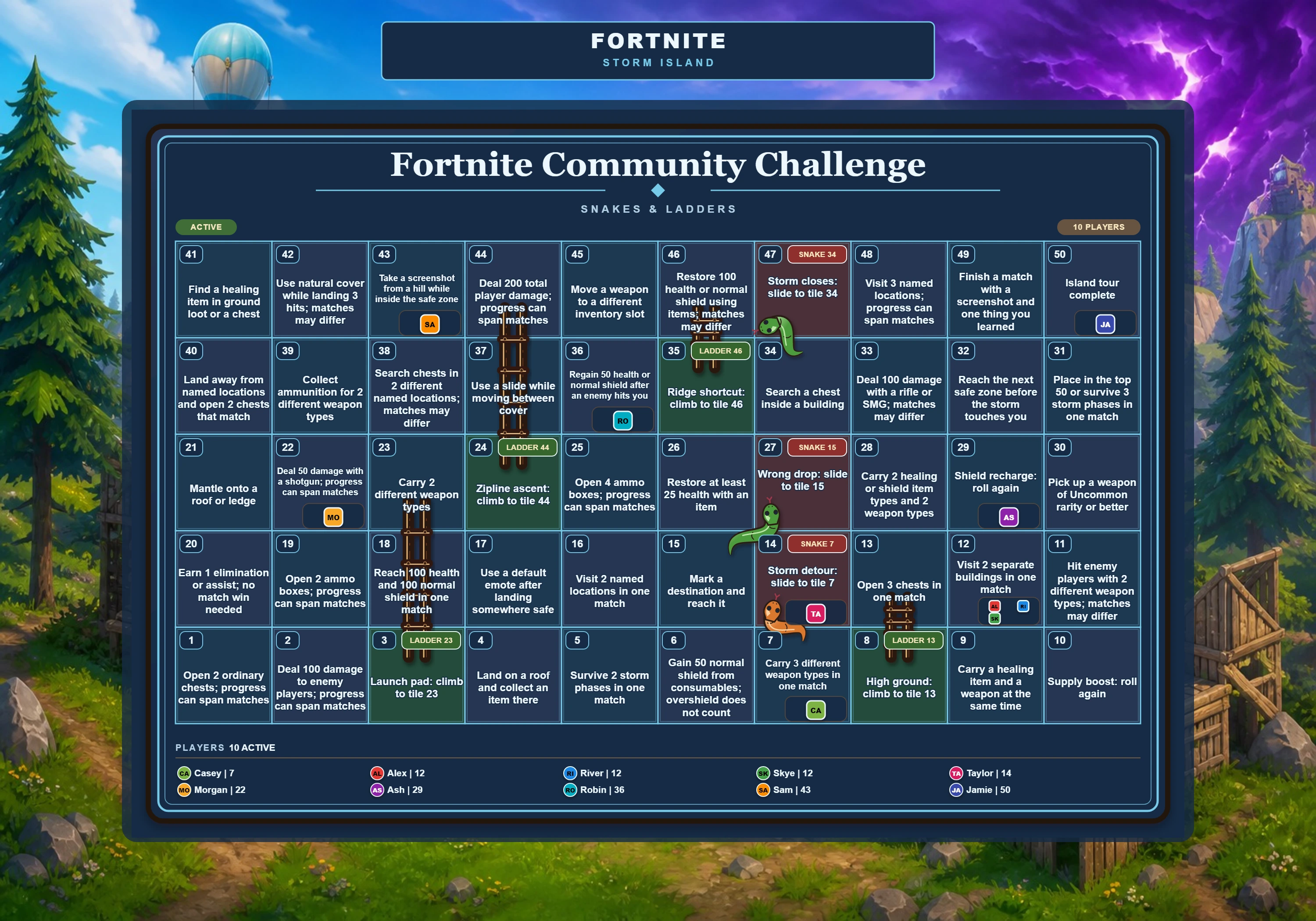
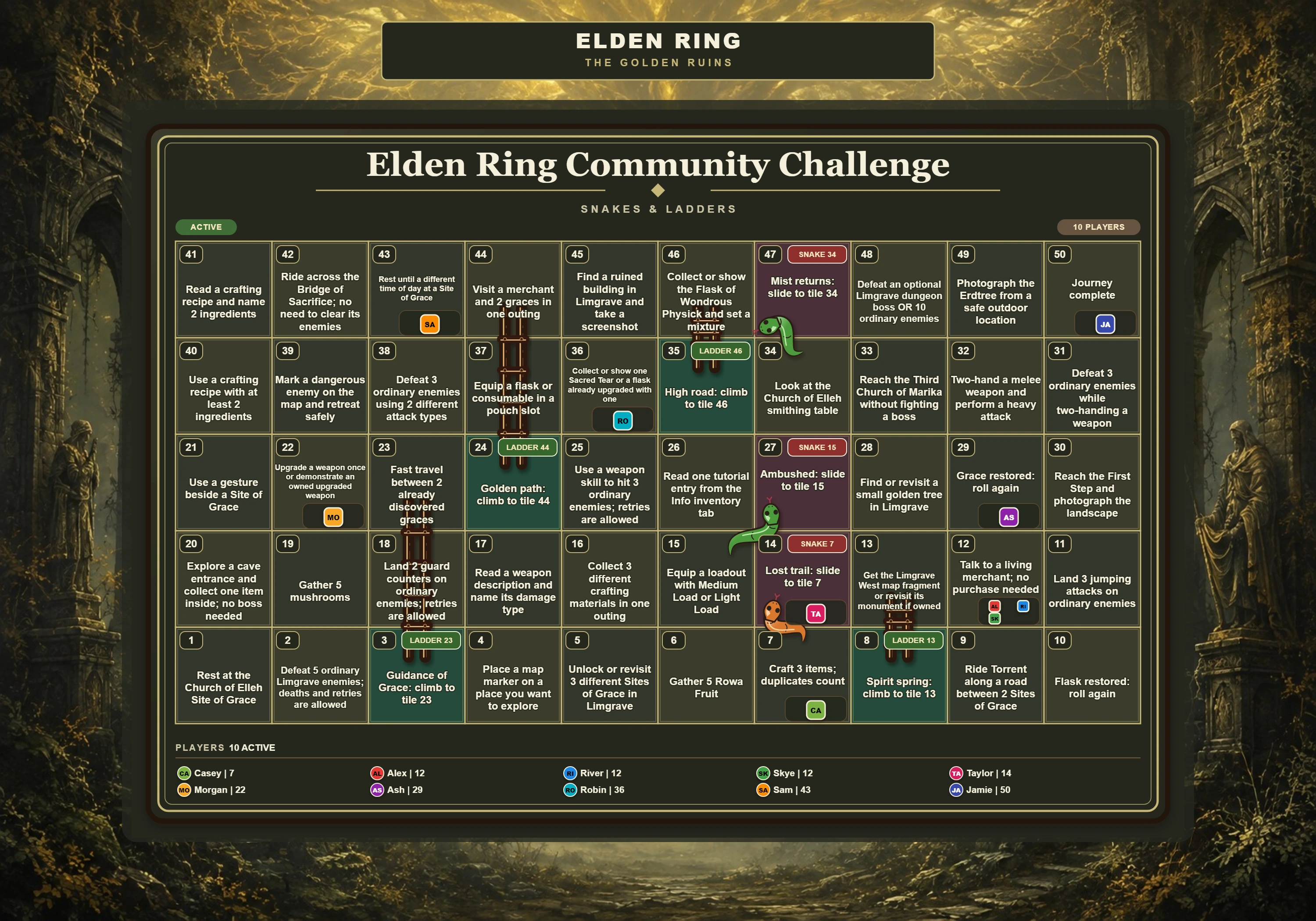
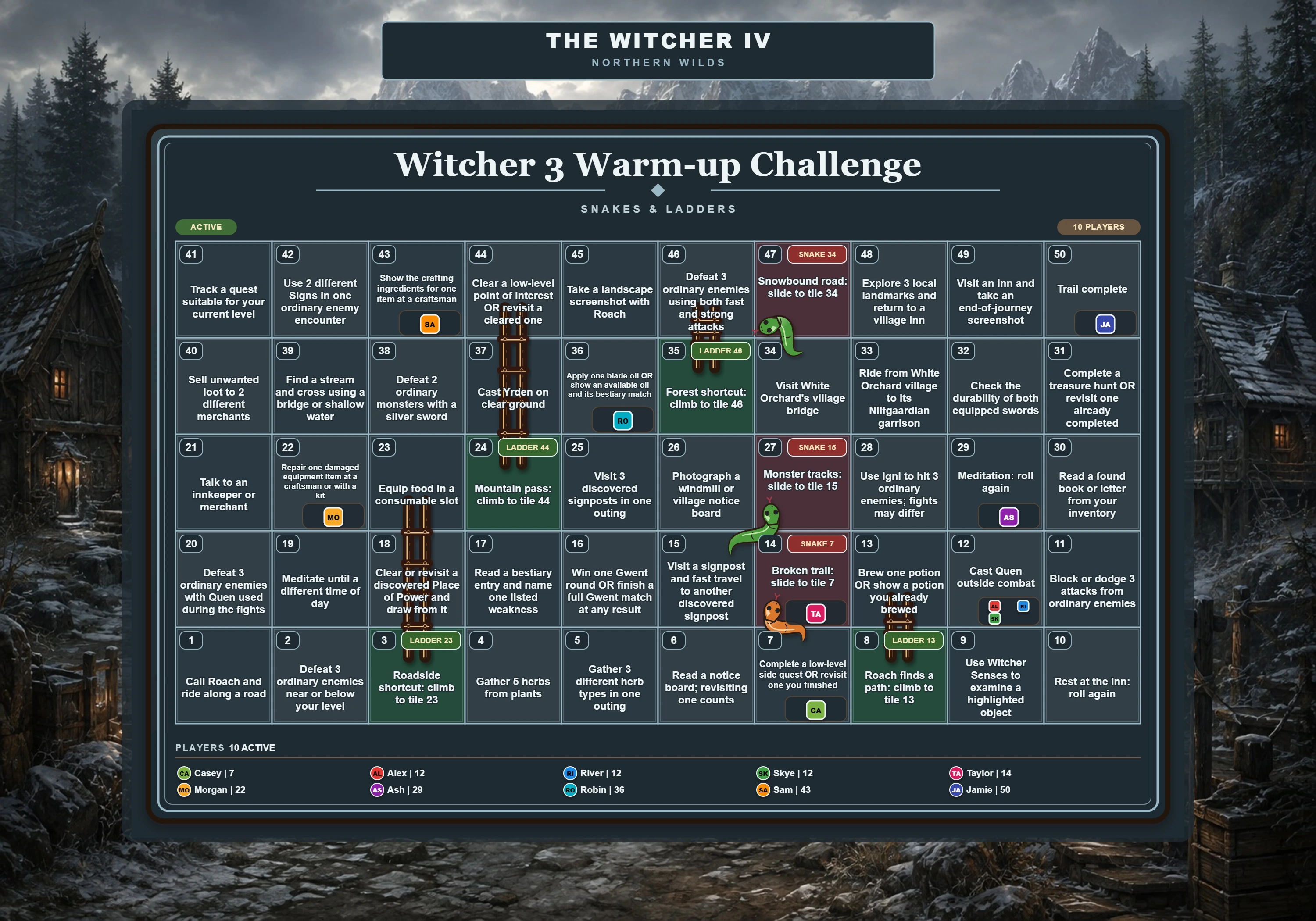
See the bot’s boards in a Discord-style message preview. Pick a theme, then open the full board for a closer look.
Fan-inspired artwork with sample players. Ready-made templates and editable challenge downloads help you get started. Download the themed CSVs and host rules.
Choose your reviewers, decide what counts as proof and reward completed challenges with rolls. Pause the event or correct a player's position when needed.
Snakes & Ladders APP
/rollSnakes & Ladders APP
Rolled 5 · Tile 28 → 33
LADDER FOUND · CLIMB TO TILE 47
One game channel. A private review channel. Your community's challenges.
Read the full guideYou need Manage Server. Add the bot, prepare a private review channel, then run /game setup. Choose a board and reviewers, confirm the preview, and open the lobby. When everyone has joined, choose Start game.
Choose Join game before the host starts. Use My turn to see your challenge and submit proof. Once approved, choose Roll to move.
Player guide ↗Moderators review submissions in the private channel. Approve grants a roll; Reject asks the player to try again. Give a clear reason so they know what to fix.
Moderator guide ↗Invite the hosted bot, choose a server you manage and run /game setup. No downloads, database setup or separate dashboard.
The install link is unavailable. You can still prepare your event with the setup guide.
/game setup, choose moderators and preview the board.